

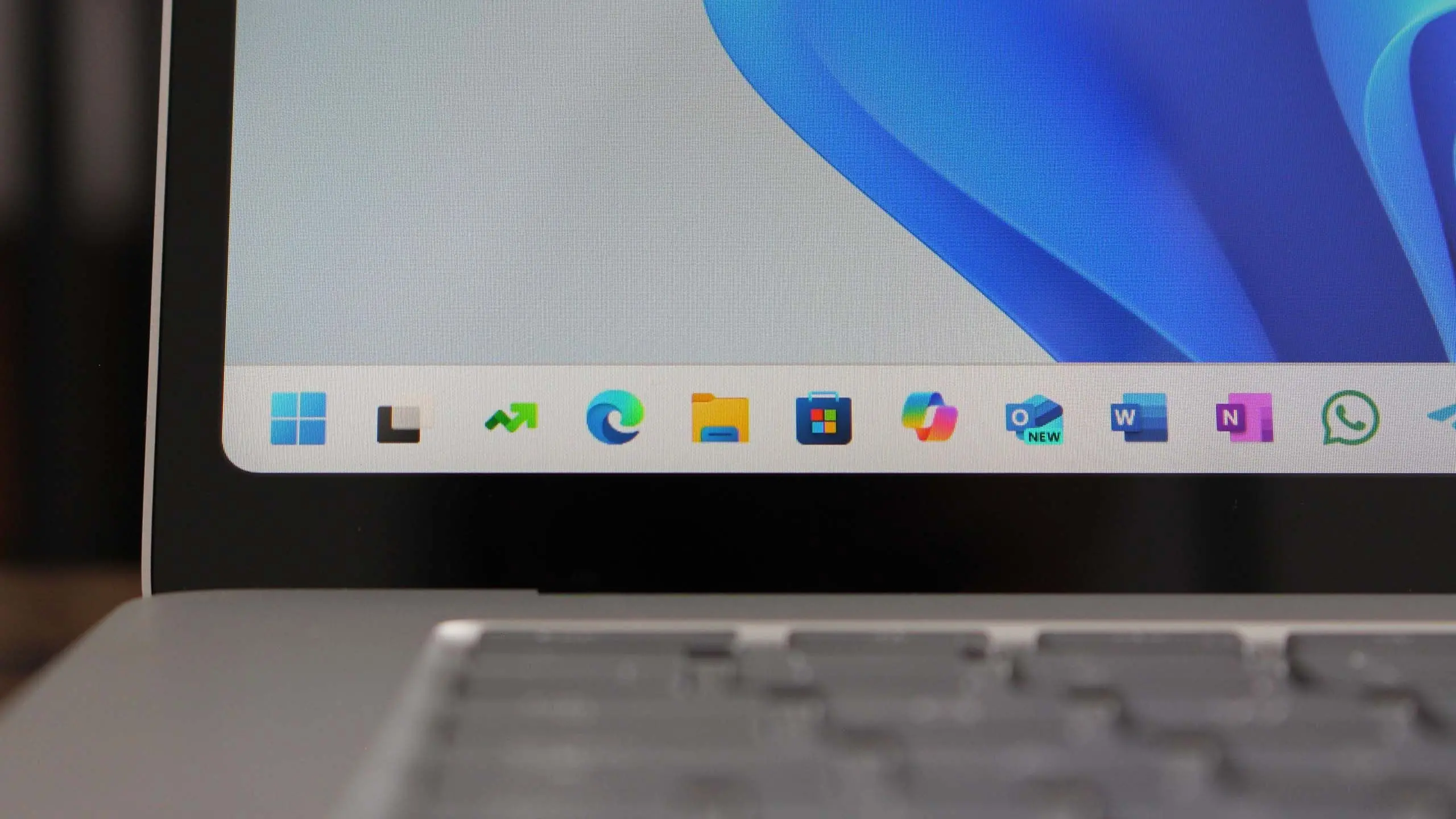
Microsoft has officially announced Windows 11 version 25H2, the next major feature update for its flagship operating system. Building on the foundation laid by previous versions, this release aims to enhance productivity, security, and user experience. Here is everything you need to know about this latest OS release, from new features to system requirements and upgrade paths.
What is Windows 11 version 25H2?
Windows 11 version 25H2, also referred to as the 2025 Update, is a scheduled feature update for Windows 11. It follows the annual release cadence Microsoft adopted after Windows 10. While earlier versions focused on introducing the new interface and Android app support, 25H2 emphasizes refinement and integration of artificial intelligence. Microsoft has been testing this build with Windows Insiders since early 2025, gathering feedback to ensure stability before broad rollout.
Key New Features
Enhanced Taskbar and Start Menu
The taskbar receives long-requested customization options. Users can now reposition the taskbar to the top, left, or right of the screen. The system tray allows for more granular control over icon visibility. Live tiles in the Start menu have been replaced with interactive widgets, offering real-time updates for weather, news, and calendar events. Additionally, the Start menu now supports folders for better app organization.
AI-Powered Copilot Integration
Microsoft Copilot becomes an integral part of the OS. In version 25H2, Copilot is deeply embedded into the shell, allowing users to summon it via a keyboard shortcut or click. It can analyze screenshots, transcribe meetings, and generate summaries. The AI also assists in search, file recommendations, and system settings, learning user behavior over time.
Improved Snap Layouts and Multitasking
Snap Layouts now support up to six windows on supported monitors with high resolutions. The feature includes a new 'Snap Assist' that suggests layouts based on recent usage patterns. Virtual Desktops get better integration with task view, allowing users to name and color-code desktops for easier identification.
Performance and Battery Optimizations
Under the hood, 25H2 introduces a new power management framework. For laptops and tablets, this means up to 15% better battery life during typical workloads. Microsoft has also optimized memory management for apps running in the background, reducing system overhead. The update includes improvements to DirectStorage for faster game loading times.
Security Enhancements
Security remains a priority. Windows 11 25H2 includes default enablement of Credential Guard for all Enterprise and Education editions. The update also introduces a new phishing protection layer in Microsoft Defender that warns users when entering credentials on suspicious sites. Secure Boot and TPM 2.0 requirements remain, but the update simplifies deployment for IT administrators with enhanced group policy settings.
Updated File Explorer
File Explorer receives a modernized interface with tabbed browsing becoming a permanent feature. The address bar now supports drag-and-drop and the context menu has been streamlined. A new 'Gallery' view automatically organizes photos by date and location. Integration with OneDrive is tighter, offering sync status indicators on files and folders.
System Requirements
Windows 11 version 25H2 maintains the same hardware requirements as previous versions. The minimum specs include a 64-bit processor with at least 1 GHz and 2 cores, 4 GB of RAM, 64 GB of storage, a DirectX 12 compatible graphics card, and a display larger than 9 inches with 720p resolution. TPM 2.0 and Secure Boot are mandatory. However, Microsoft has relaxed the CPU requirement for some older Intel Core 8th-gen processors, allowing more devices to upgrade. The update is free for existing Windows 11 users and will be offered through Windows Update.
Release Timeline
Microsoft typically releases feature updates in the fall. Windows 11 version 25H2 is expected to begin rolling out in September 2025, with a phased approach similar to previous years. Early adopters enrolled in the Release Preview channel will get access first. The full rollout to all compatible devices is anticipated by late 2025 or early 2026.
How to Prepare for the Update
To ensure a smooth upgrade, users should back up important data and check system compatibility using the PC Health Check app. IT administrators should test the update in a controlled environment. Microsoft provides tools like Windows Update for Business and WSUS for enterprise deployments. For consumers, the update will be delivered automatically, but can be paused if needed.
What's Removed or Deprecated
As with any major update, some features are deprecated. In 25H2, Microsoft is removing the legacy Control Panel gradually, redirecting more settings to the Settings app. The classic Paint 3D app is being replaced by a modernized version of Paint. Steps Recorder (PSR) is officially deprecated. The update also phases out support for older Bluetooth standards and drops compatibility for non-Microsoft Store apps from certain third-party stores.
Reactions and Community Feedback
Early feedback from Windows Insiders has been largely positive, with praise for the taskbar improvements and AI integration. Some users have expressed concerns about the increased telemetry and the mandatory Microsoft account requirement for setting up devices. Critics point out that some changes, like the removal of legacy features, may disrupt workflows for power users. Microsoft has indicated it will continue to iterate based on feedback.
Comparison with Previous Versions
Windows 11 25H2 is not a radical overhaul like the jump from Windows 10 to 11. Instead, it refines existing features. The most noticeable differences from 24H2 include the more flexible taskbar, deeper Copilot integration, and performance optimizations. Security enhancements are also more extensive in this version, particularly for enterprises.
For Developers and IT Pros
Developers benefit from updated WSL (Windows Subsystem for Linux) with improved GPU support and systemd integration. The Dev Home app receives new widgets for monitoring system performance. For IT administrators, the update simplifies management of Intune policies and includes a new analytics dashboard to track update compliance. Microsoft is also providing new tools for configuration of AI-based features in enterprise environments.
Windows 11 version 25H2 represents Microsoft's continued commitment to evolving its desktop operating system. With a focus on AI, customization, and security, this update aims to keep Windows relevant in a rapidly changing computing landscape. Users can look forward to a more intelligent and personalized experience when the update arrives later this year.
Source: Windows Central News